


GUIDES/101
Updated on Jun. 11th 2026
What Really Affects 3D Scanning Efficiency? 6 Factors Every Engineer Should Evaluate
3D scanning efficiency is an important element to consider when choosing a 3D scanner. It will determine how fast you can 3D scan different objects.
When evaluating a 3D scanner, many users focus on specifications such as frame rate, resolution, or field of view. While these parameters are important, they do not tell the whole story.
In real-world industrial applications, scanning efficiency is not determined solely by how fast a scanner captures data. It also depends on preparation time, tracking stability, software processing capabilities, and the overall workflow.
A scanner with impressive specifications may still result in longer project times if operators need to place hundreds of markers or spend hours processing data.
So what truly affects 3D scanning efficiency?
This article explores critical factors that influence productivity and explains how to evaluate a scanning solution beyond its technical specifications.
What Is 3D Scanning Efficiency?
Many people equate scanning efficiency with scanning speed. However, from an engineering perspective, efficiency should be measured by the total time required to complete a project.
A practical model is: Total Project Time = Setup + Data Capture + Processing
Reducing any of these stages can significantly improve productivity.
For example:
-
Faster setup reduces preparation time
-
Stable tracking reduces rescanning
-
Intelligent software reduces post-processing effort
-
Automated inspection shortens reporting cycle
Therefore, the most efficient scanner is the one that minimizes total project time.
Factors That Affect 3D Scanning Efficiency
1. Setup Time and Tracking Performance
Scanning efficiency begins long before data acquisition starts. In many industrial projects, operators often need to place dozens or even hundreds of markers on the part to establish tracking references. For large objects such as vehicle bodies, construction machines, marker placement can take longer than the scanning process itself. Reducing setup time is therefore one of the most effective ways to improve overall productivity.
Dynamic tracking systems can dramatically simplify this process. These systems can significantly reduce or even eliminate the need for marker placement on the object. As a result, operators can begin scanning much sooner and spend more time collecting data rather than preparing the workpiece.
Tracking performance during scanning is equally important. Poor tracking can lead to:
-
Scan interruptions
-
Loss of positioning
-
Incomplete data capture
-
Additional rescanning
Stable tracking allows operators to move freely around large or complex objects while maintaining continuous data acquisition. This helps ensure a smoother workflow and reduces the risk of costly rework.
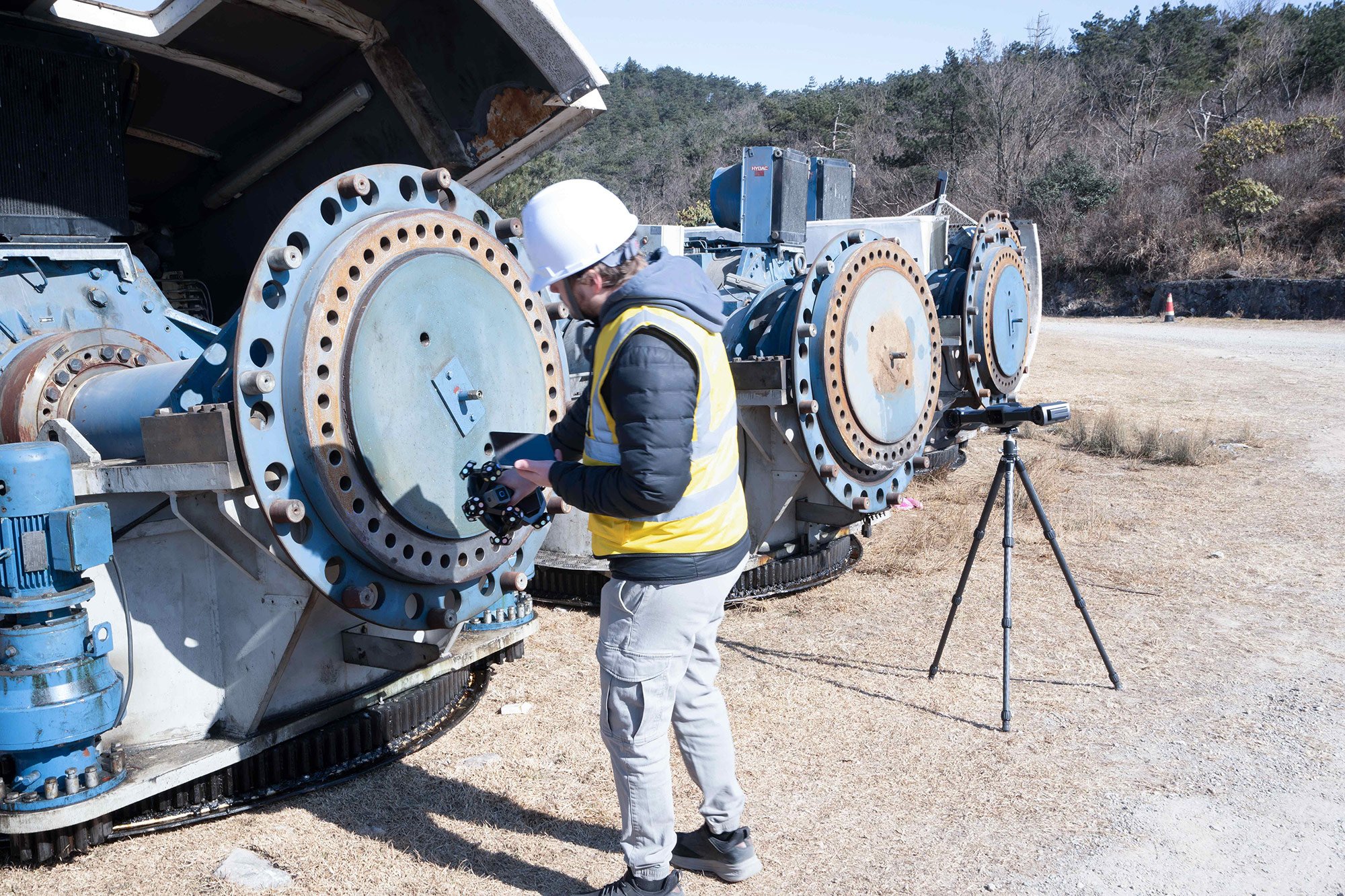
Flange scanning without markers using SHINING 3D FreeScan Trak Nova dynamic tracking and scanning system
2. Resolution/Point Distance: Balancing Detail and Productivity
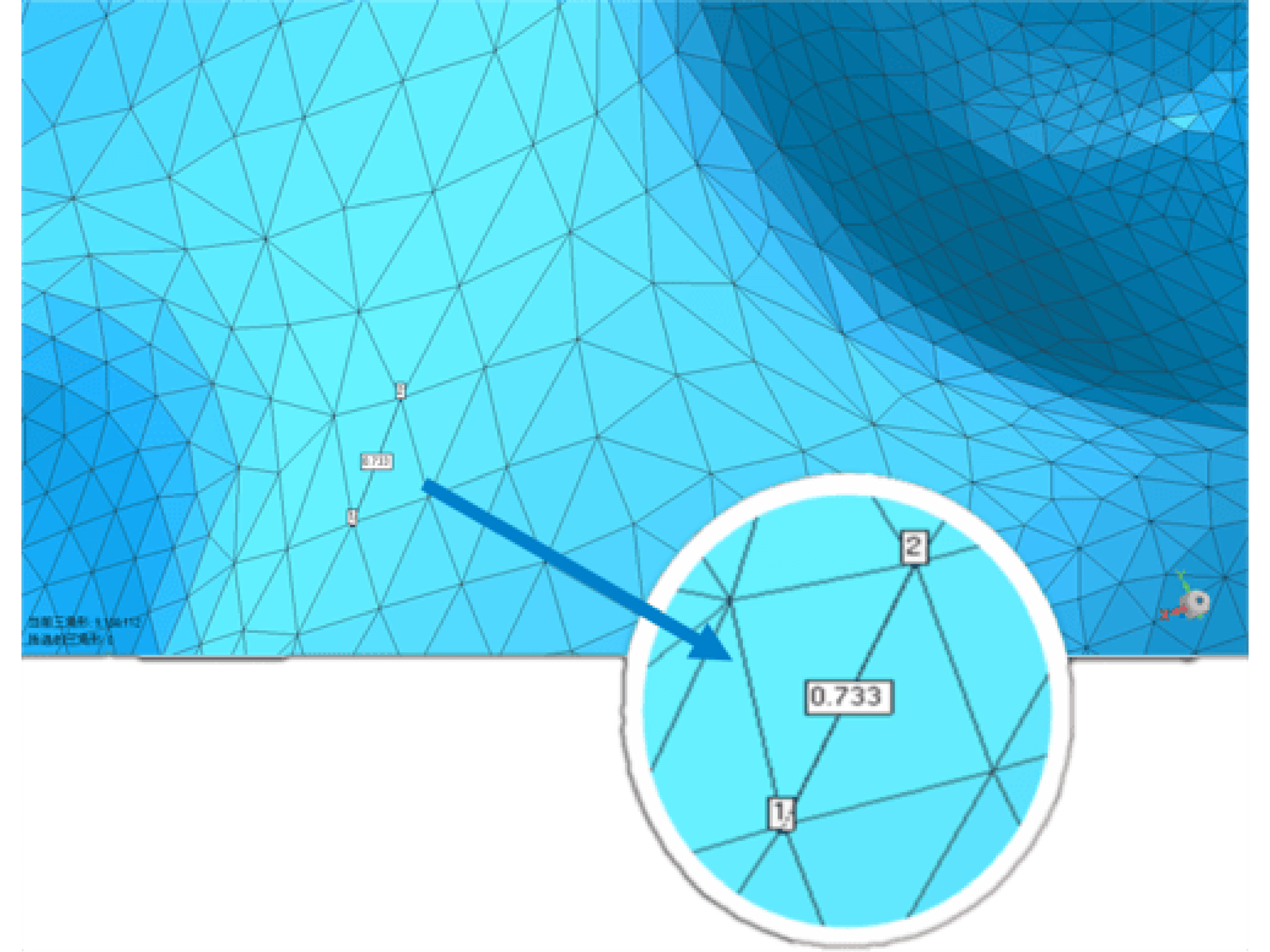
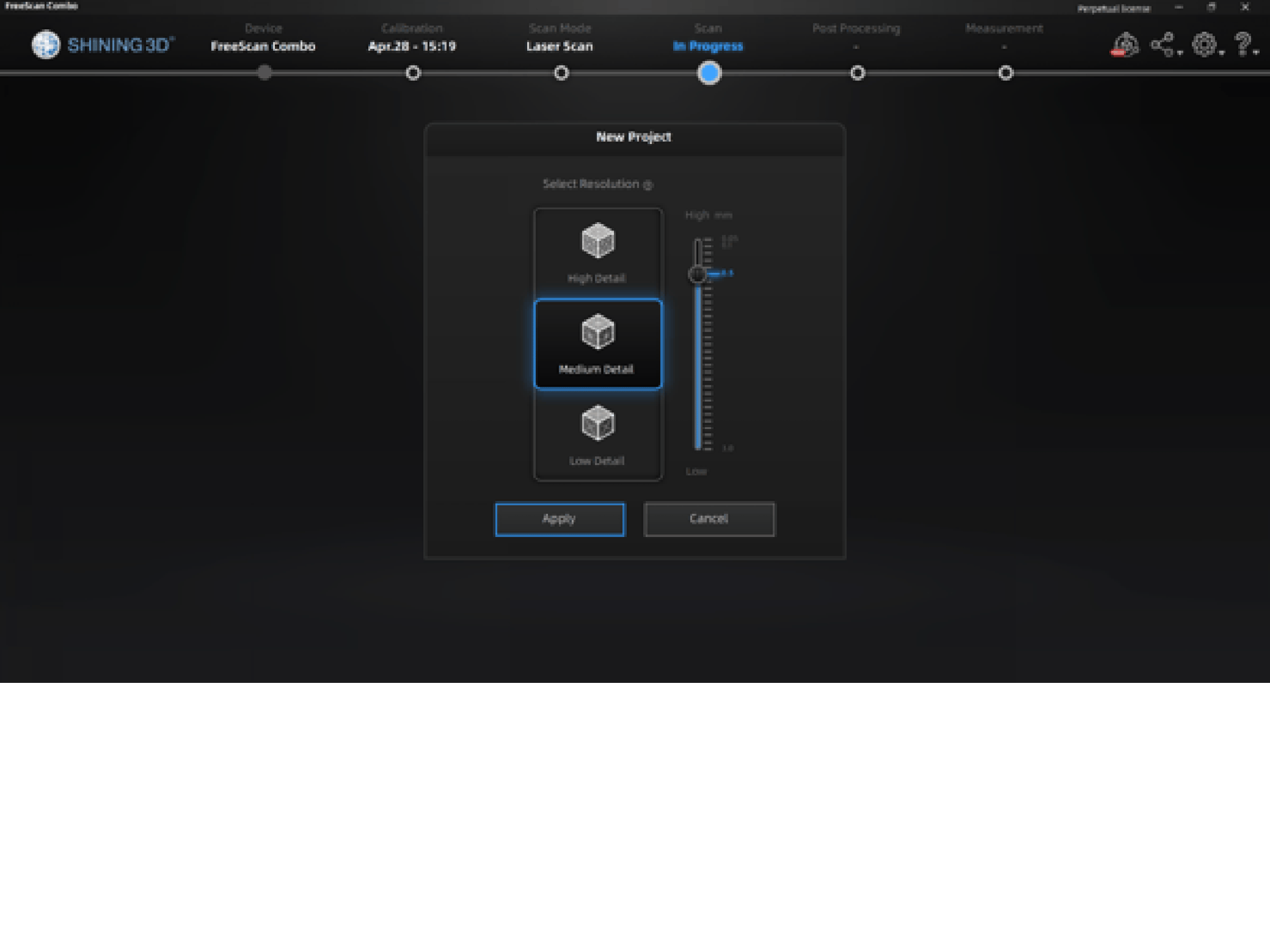
Resolution determines the level of detail captured during scanning. Higher resolution enables fine details capture. However, higher resolution also generates larger datasets, which can increase processing and storage requirements. Engineers should choose a resolution that matches the inspection tolerance and application requirements.
3. Scanning Speed
For handheld and tracking 3D scanners, scanning speed is typically defined by the number of 3D data points the system can capture and process from an object's surface every second. This metric is commonly expressed as points per second. A higher points-per-second value means the scanner can acquire more 3D data within the same amount of time, resulting in faster coverage of the object and higher scanning efficiency. For example, a scanner capable of capturing millions of points per second can significantly reduce the time required to digitize large parts, complex geometries, or extensive inspection areas.
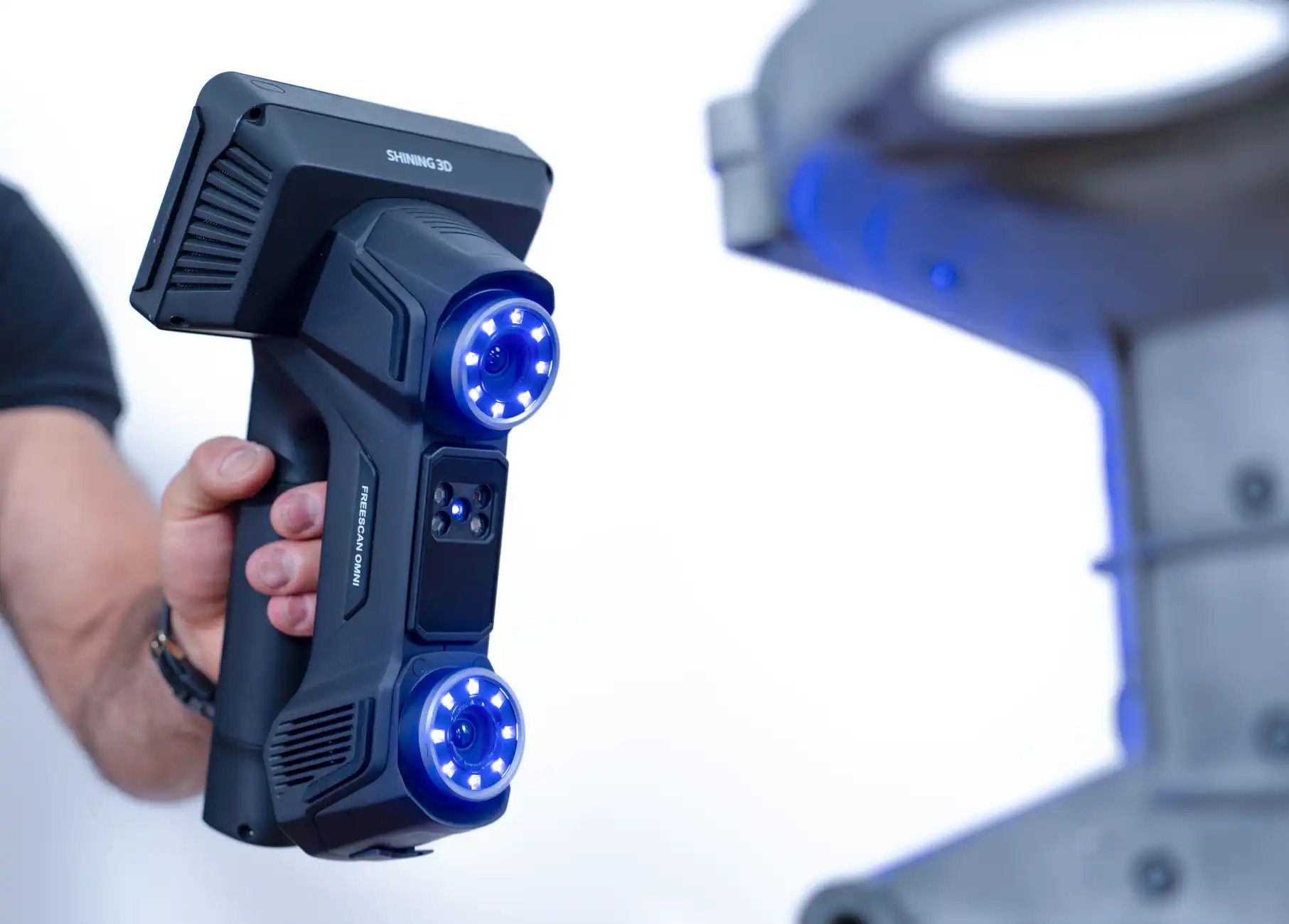
SHINING 3D FreeScan Omni has fast scanning speed of 7,619,000 points/s
Fixed fringe projection 3D Scanners use a different speed metric. Scanning speed is typically measured by single scan time. The shorter the scan time, the faster the scanner can acquire data and the higher its overall efficiency.
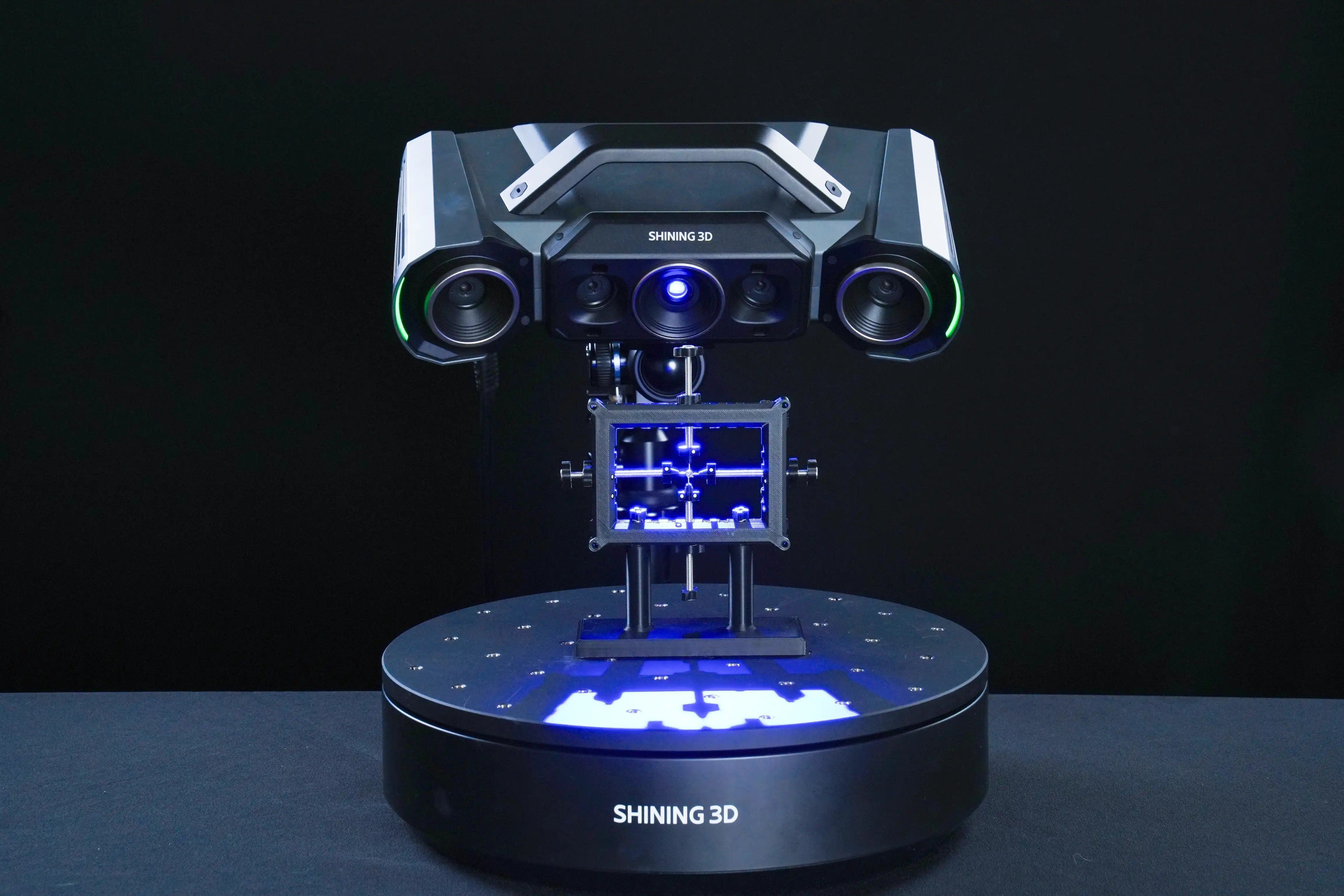
SHINING 3D OptimScan Q12 HD’s single shot time takes less than 1 second
4. Field of View (FOV): Covering More Area Per Scan
The field of view (FOV) is the viewable area where the 3D scanner can capture the data from a certain distance. This is similar to how our eyes can only see part of a scene at a time. The larger the FOV, the larger the area that can be seen at one time. Similarly, when the 3D scanner has a large FOV, it can capture more data per frame.
A larger FOV offers several advantages:
-
Faster coverage of large objects
-
Fewer scanning passes
-
Reduced alignment effort
-
Improved operator efficiency
However, larger FOVs may not always be ideal for capturing fine details. The most versatile systems allow users to switch between large-area scanning and high-detail scanning modes depending on project requirements.
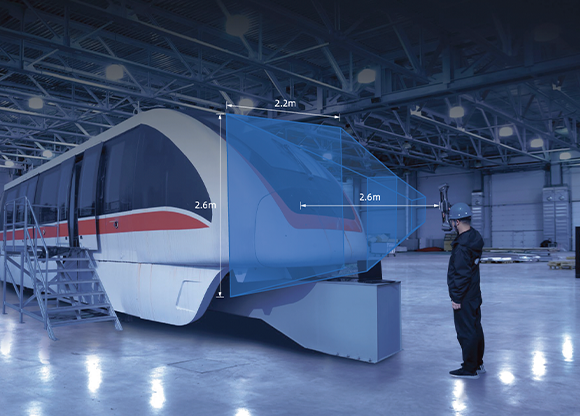
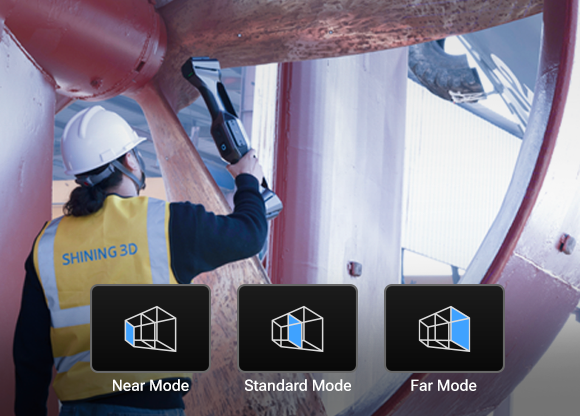
SHINING 3DFreeScan Trak Nova offers a maximum FOV of 2.6 x 2.2 m and provides flexible FOV for different operation conditions
5. Software Processing Efficiency
Data acquisition is only one part of the workflow. In many projects, engineers spend more time processing data than collecting it. Advanced 3D scanning software should streamline both the scanning and post-processing stages through intelligent and automated tools, helping users obtain usable data faster with less manual intervention.
Key software capabilities that improve scanning efficiency include:
-
Real-Time Mesh
-
Data Quality Visualization
-
Noise Removal
-
Hole Filling
-
Flexible Data Export
-
...
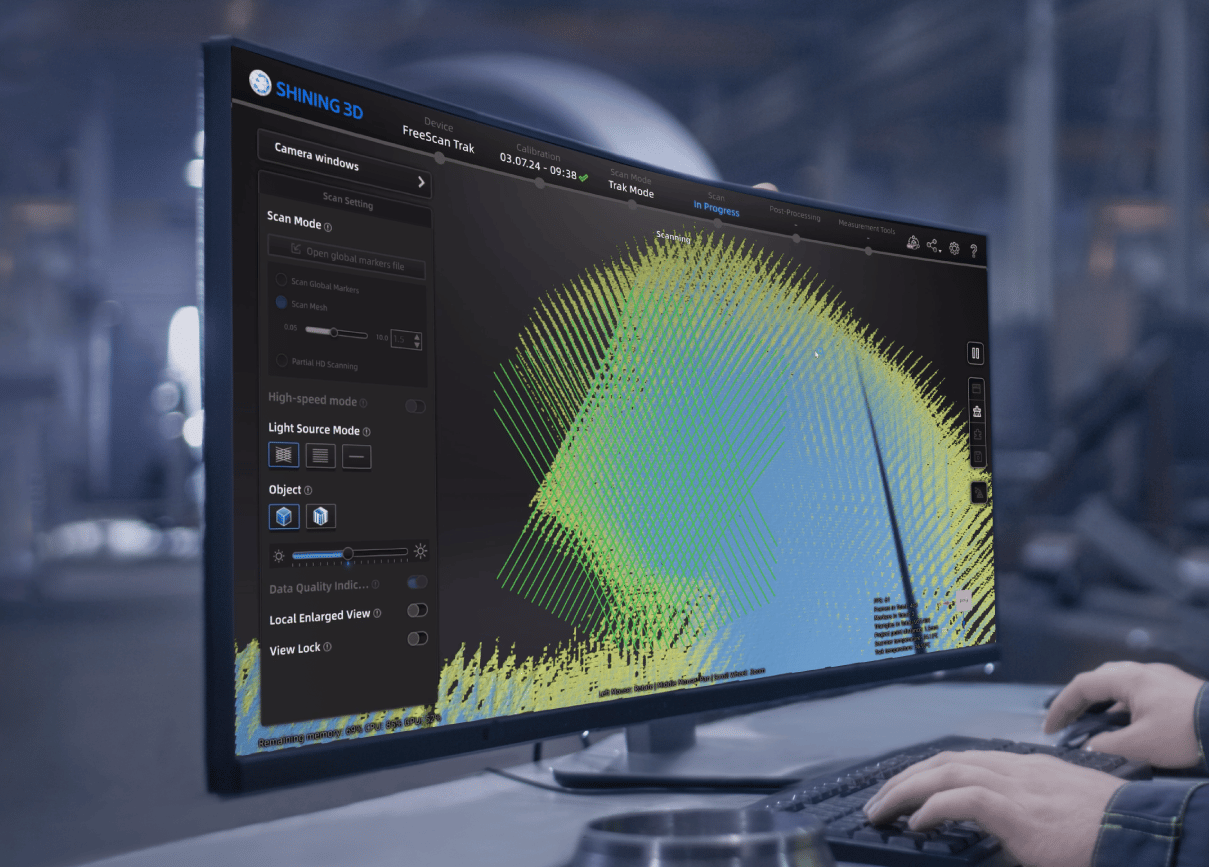 SHINING 3D FreeScan scanning software: with its powerful features, intuitive interface and seamless integration, it streamlines the scanning process and adapts easily to individual needs.
6. Other External Factors: Choosing the Right Scanner for the Application
Beyond scanner specifications and workflow considerations, selecting the right scanner for the object size and application is equally important for achieving high scanning efficiency. Different industries and object sizes require different scanning technologies. Choosing an unsuitable scanner can significantly reduce productivity, increase scanning time, and lead to unnecessary rescanning or data processing efforts.
For example: Small precision components in the electronics industry often require scanners with a small FOV, samll point distance, and high accuracy to capture intricate details and tiny features. Large-scale objects such as aircraft wings, mining car structural parts, or ship propellers require scanners with a large scanning area and reliable metrology-grade accuracy to efficiently capture extensive surfaces while maintaining measurement quality.
When selecting a 3D scanner, consider:
-
Object size
-
Required accuracy
-
Feature complexity
-
Industry-specific requirements
-
Inspection or reverse engineering objectives
For a more detailed guide on selecting the right metrology-grade 3D scanner for your application, refer to our article: How to Choose a Metrology 3D Scanner.
Discover the product you're looking for
- Full specifications
- Using scenarios
- Key features
- Even comes with a bundle!
Share on Social Media


