
<img height="1" width="1" style="display:none" src="https://www.facebook.com/tr?id=939741638366312&amp;ev=PageView&amp;noscript=1">
Skip to content
shining 3d homepage logo

EINSTAR EZ GO

Your First AI-Powered Mobile 3D Scan-to-Create Partner

  • Mobile & Wireless
  • AI-Powered
  • Marker-Free Scanning
  • Blue Laser + IR VCSEL
EINSTAR EZ GO

Visit EINSTAR Online Store

EINSTAR, powered by SHINING 3D with over 20 years of expertise in high-precision 3D digital products, inherits SHINING 3D's gene of innovation and advanced technology to push the boundaries of 3D scanning. Committed to making high-quality products accessible to every 3D explorer, EINSTAR is dedicated to unleashing the possibilities of each shining idea.

 

Start Here. Start Easy

Mobile Scanning

Mobile Scanning

AI Powered

AI Powered

Beginner Friendly

Beginner Friendly

Marker-Free Scanning

Marker-Free Scanning

Hybrid Light Source

Hybrid Light Source

3dgs

Full Color Capture

Two Parts. One Mobile Workflow

Two Parts. One Mobile Workflow

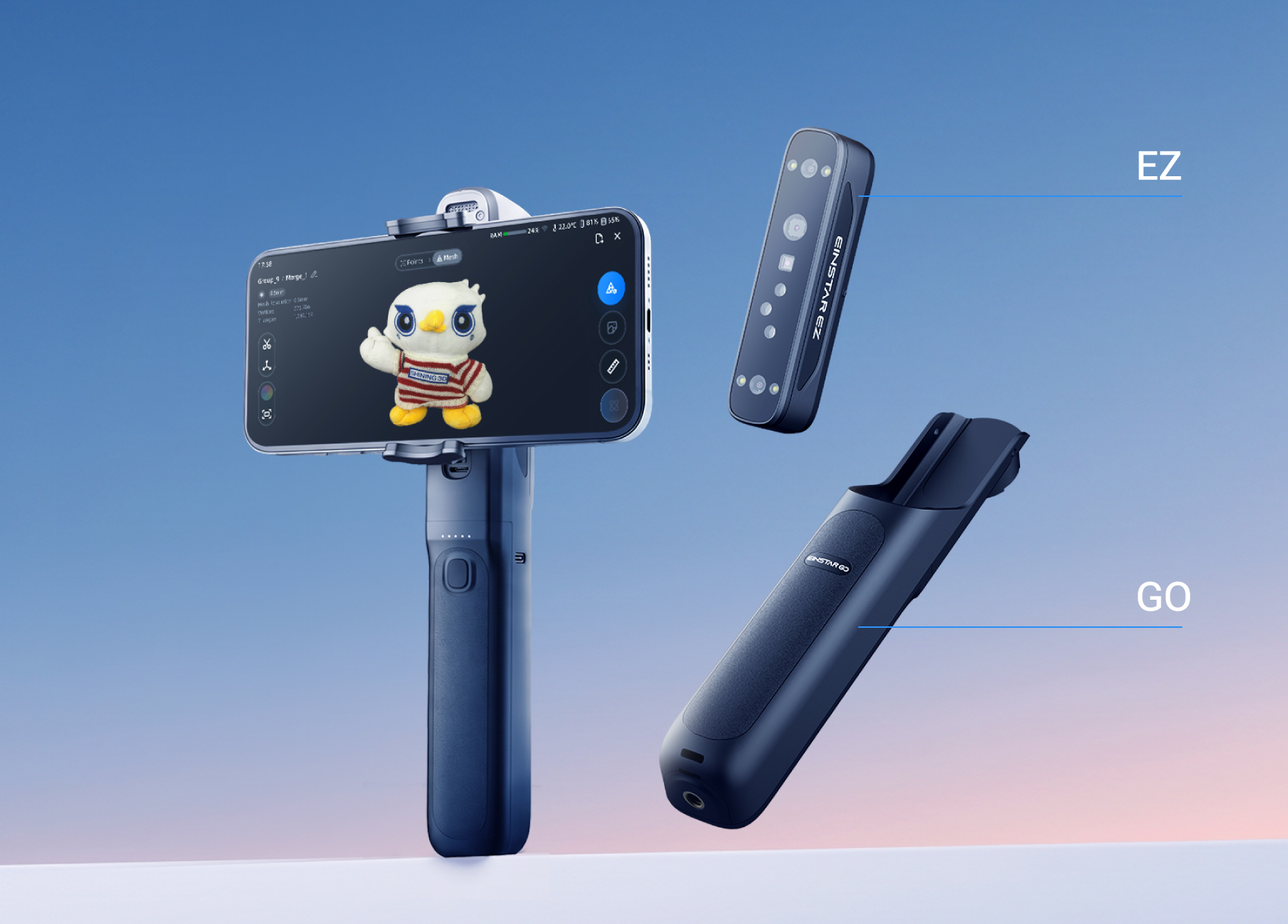
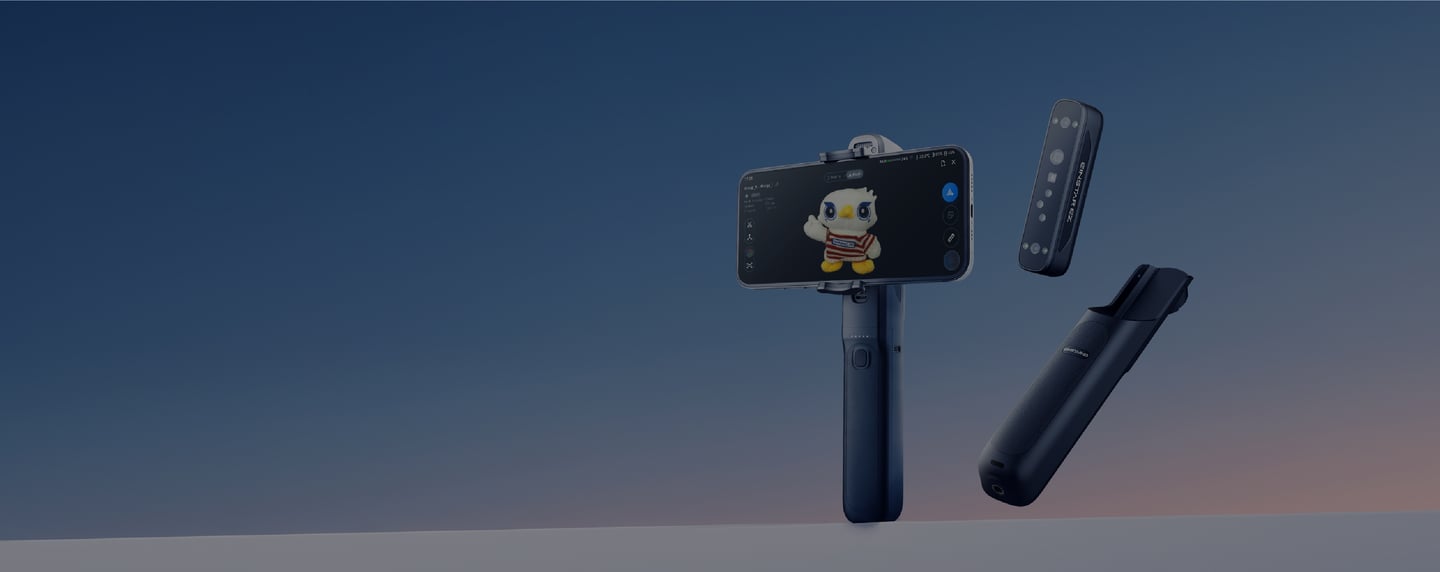
  • EZ is the scanner module. Its depth cameras, texture camera, blue laser and infrared VCSEL collect geometry, surface detail and color for the 3D model.

  • GO is the battery-powered grip that brings the phone and scanner into a stable one-handed setup, while its 5,400 mAh battery supports up 2 hours scanning.
EINSTAR EZ GO Flexible connection

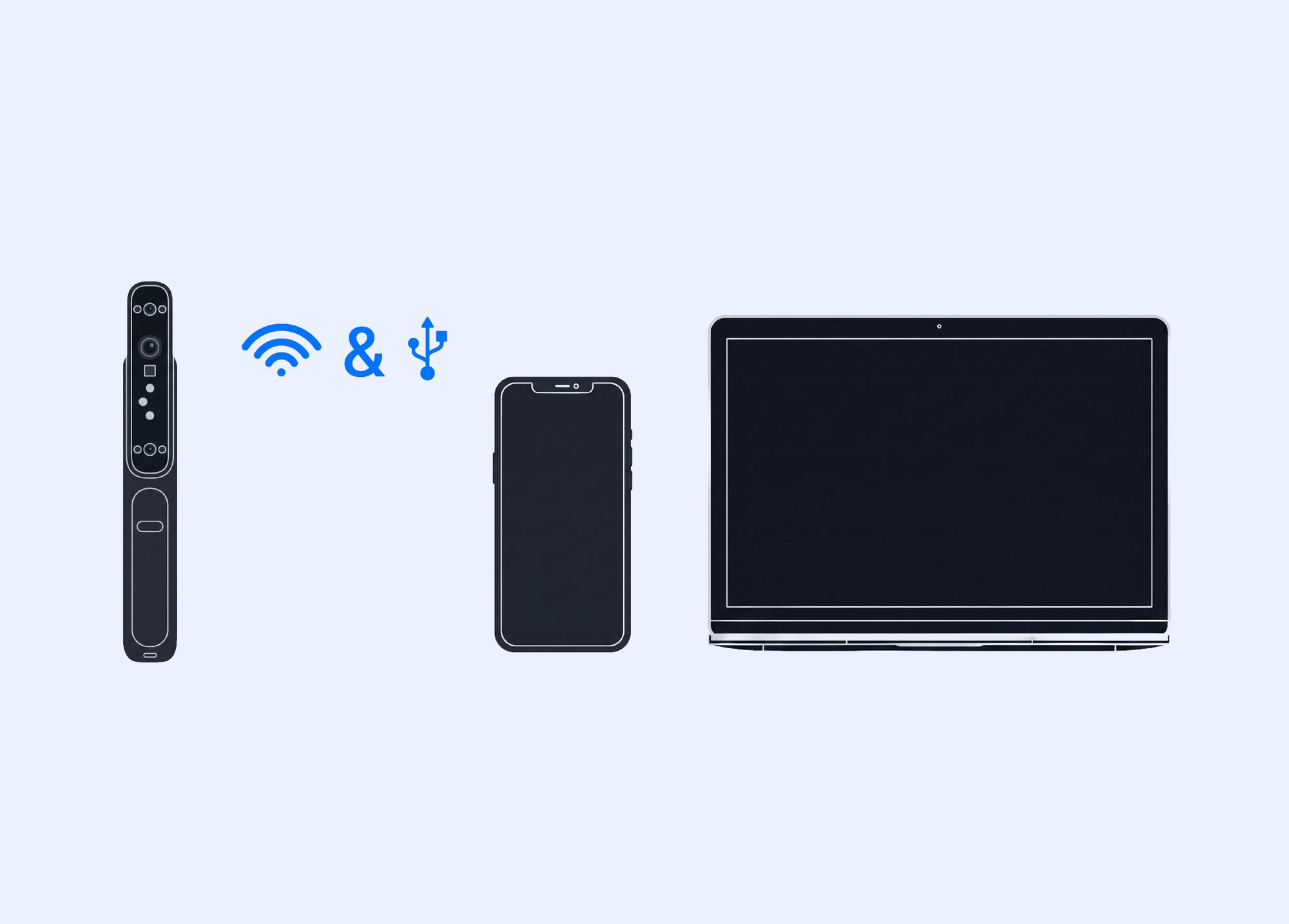
Flexible Connection

From a phone-first mobile setup to wireless and wired workflows, EZ GO keeps your scanning setup simple.

  • Mobile Mode wired & wireless

  • PC Mode wired & wireless

Mobile Scanning. Effortless Setup

Mobile Scanning. Effortless Setup

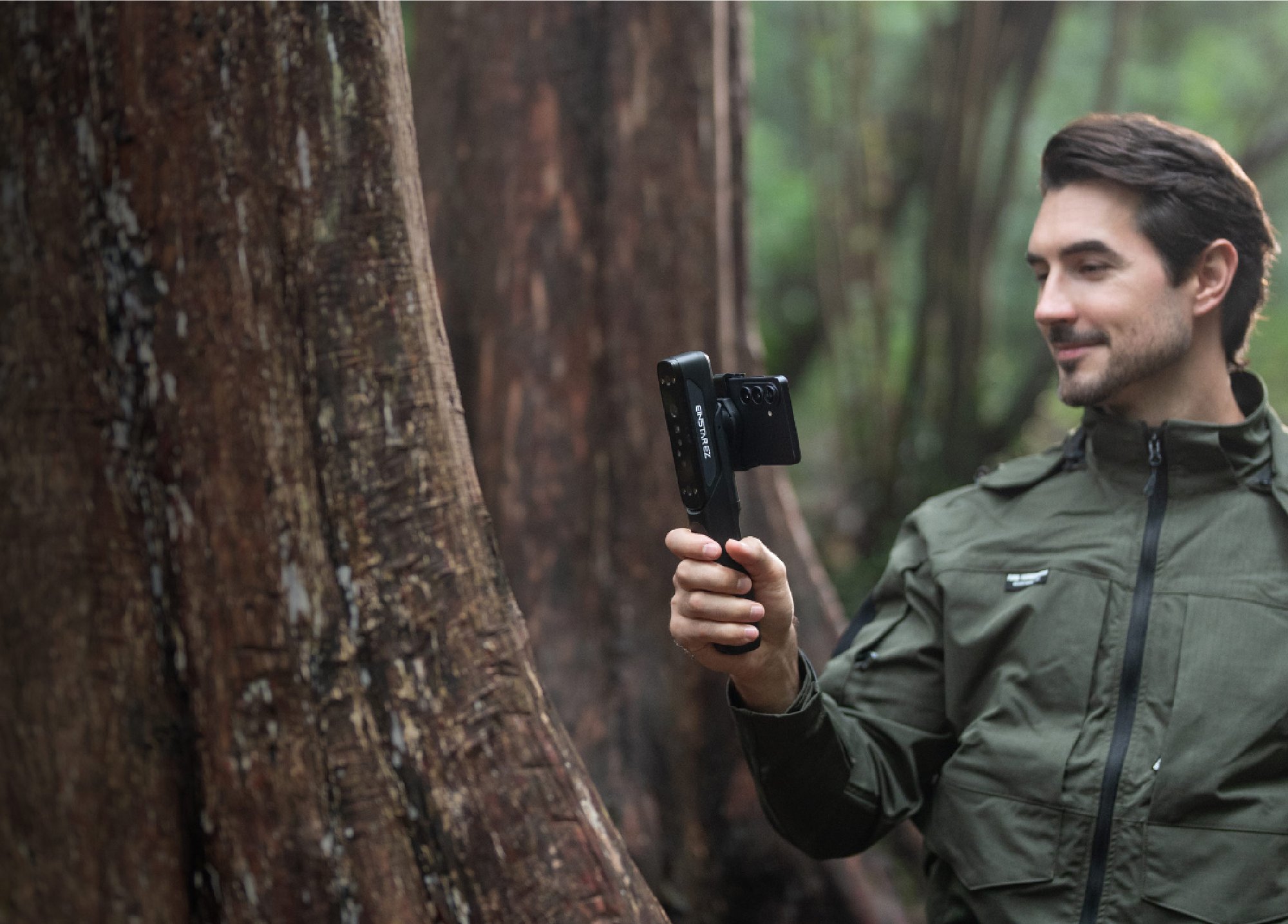
With the EINSTAR Mobile, you can scan on the go without relying on a laptop. After initial setup, EZ GO saves your connection profile — simply power on and scan, with no repeated network setup.

*Note: a wired connection can significantly increase the scanning speed.
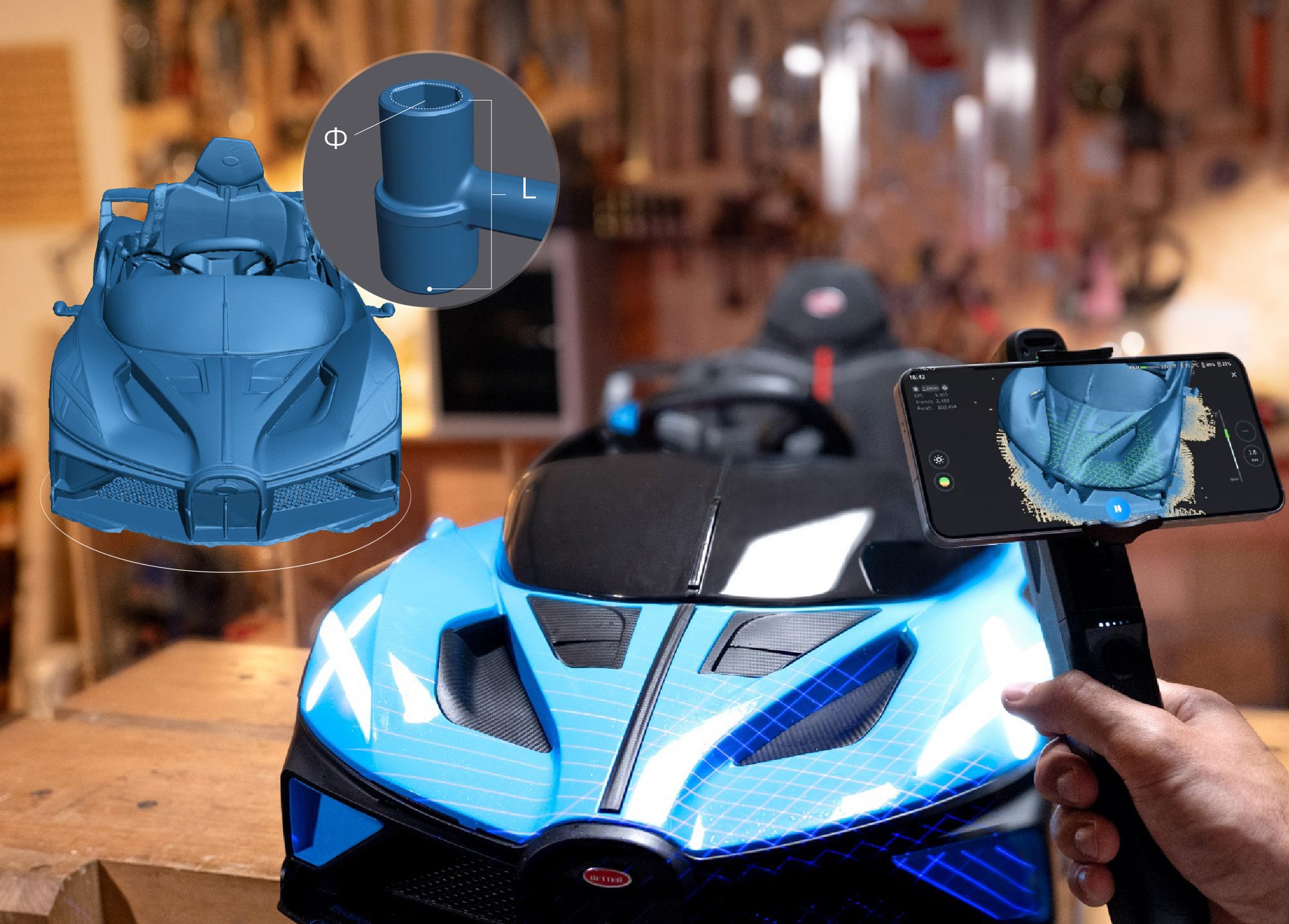
Built for Diverse Needs

Built for Diverse Needs

Both the Class 1 laser and infrared light are eye-safe for regular use. Designed for outdoor scanning, its built-in dual-channel optical filtering supports scanning in bright light up to 80,000 lux — no extra filter needed.

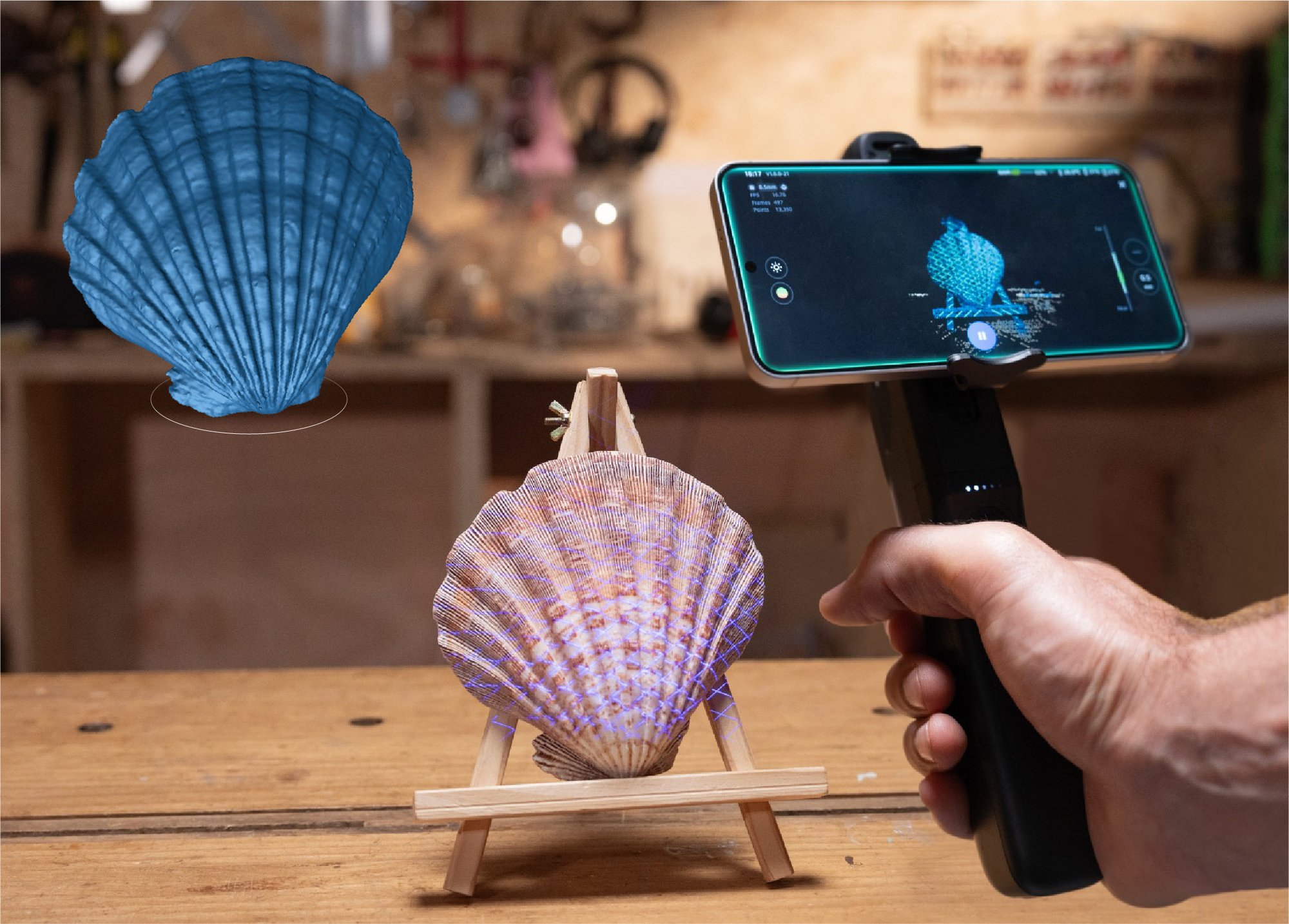
  • 15 + 15 crossed laser lines for fast large-area scanning

  • Single laser line for capturing fine details in deep holes

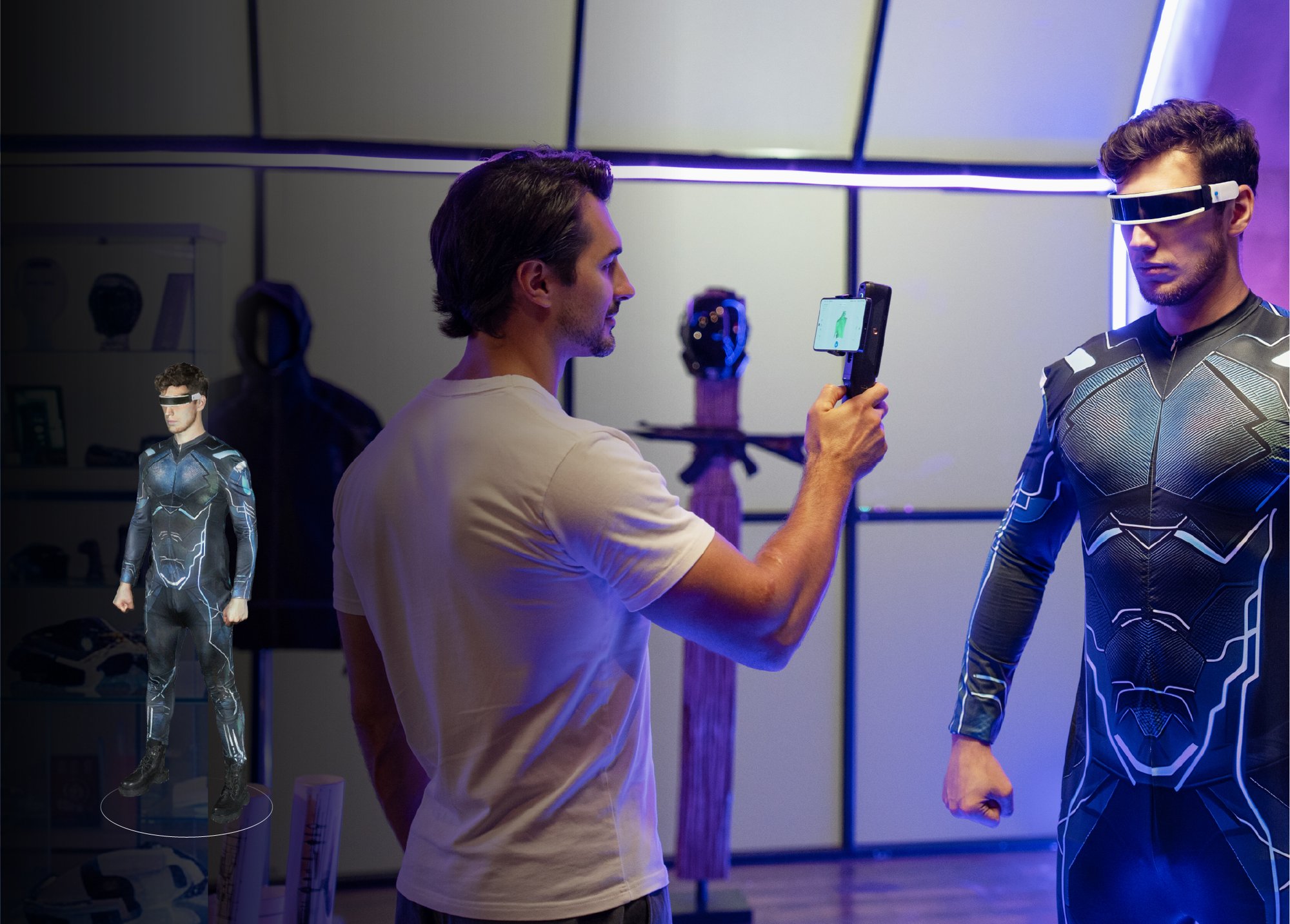
  • Infrared VCSEL for human body and sculptures scanning
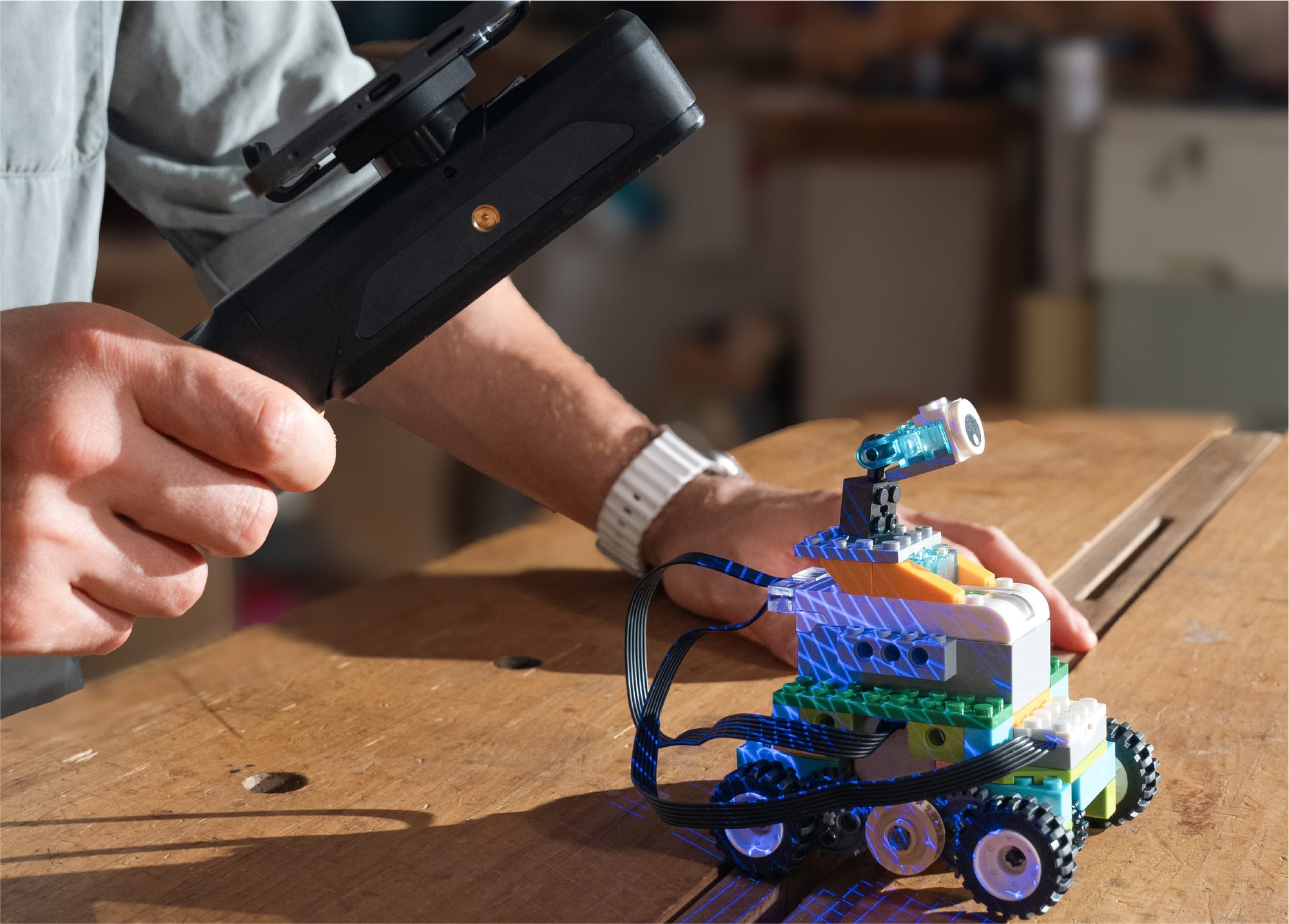
Marker-Free Scanning

Marker-Free Scanning

Marker-free scanning in both laser and IR modes cuts prep time and boosts scanning efficiency.

  • Laser marker-free scanning captures feature-rich surfaces, grooves and fine details.

  • IR mode handles large weak-feature flat surfaces, sculptures, household items and human body.
Cloud Computing

Cloud Computing

Break free from device processing limits. EZ GO brings intensive computation to the cloud, reducing reliance on local hardware for a faster, smoother experience.

*Note: more cloud-supported features coming in future updates.
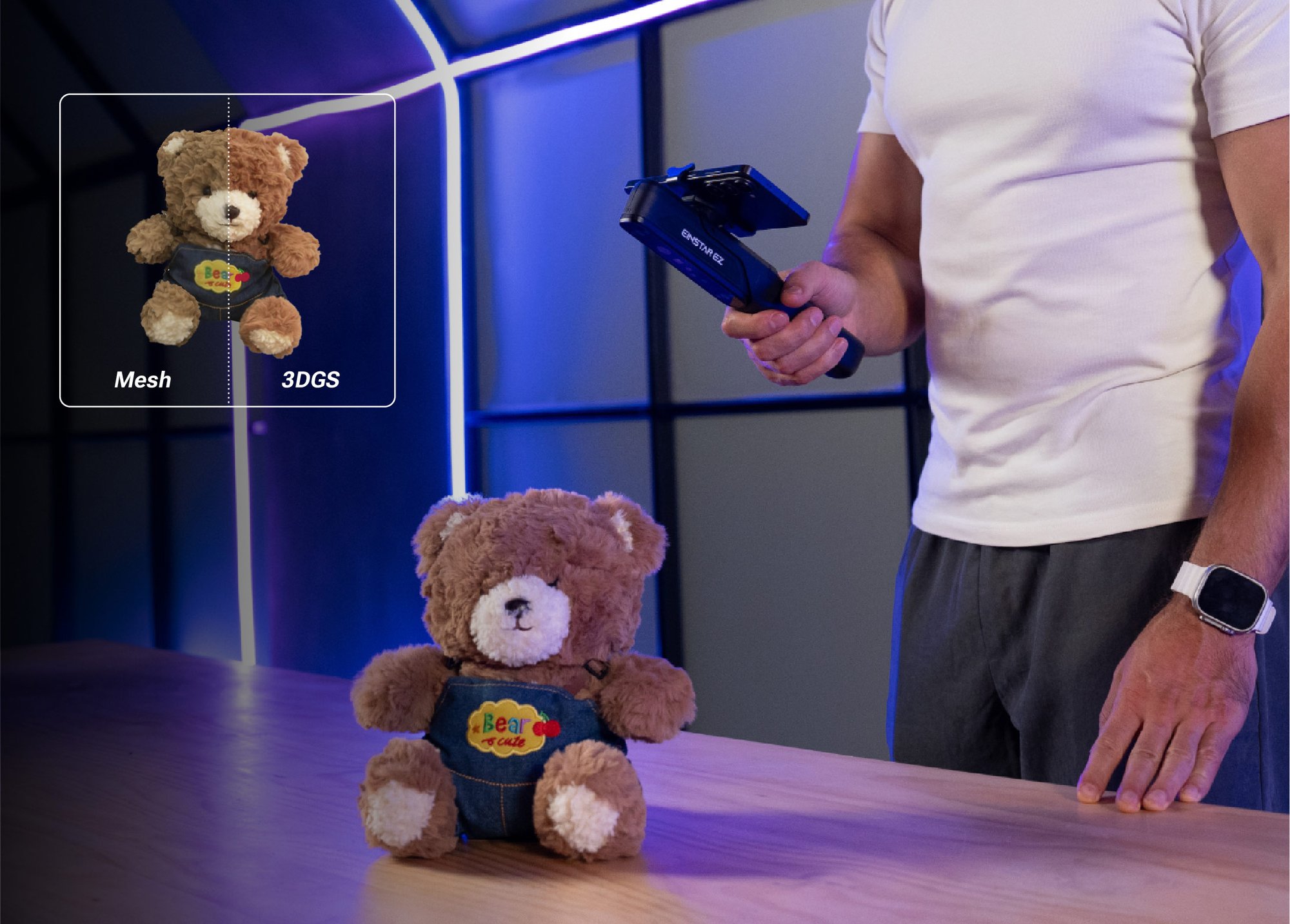
Full-Color Capture + 3DGS

Full-Color Capture + 3DGS

With 3D Gaussian Splatting (3DGS), EZ GO combines multi-view image data with geometric guidance from high-precision 3D scanning to deliver lifelike 3D models with rich colors, fine visual details, and shapes and proportions that stay true to the original.
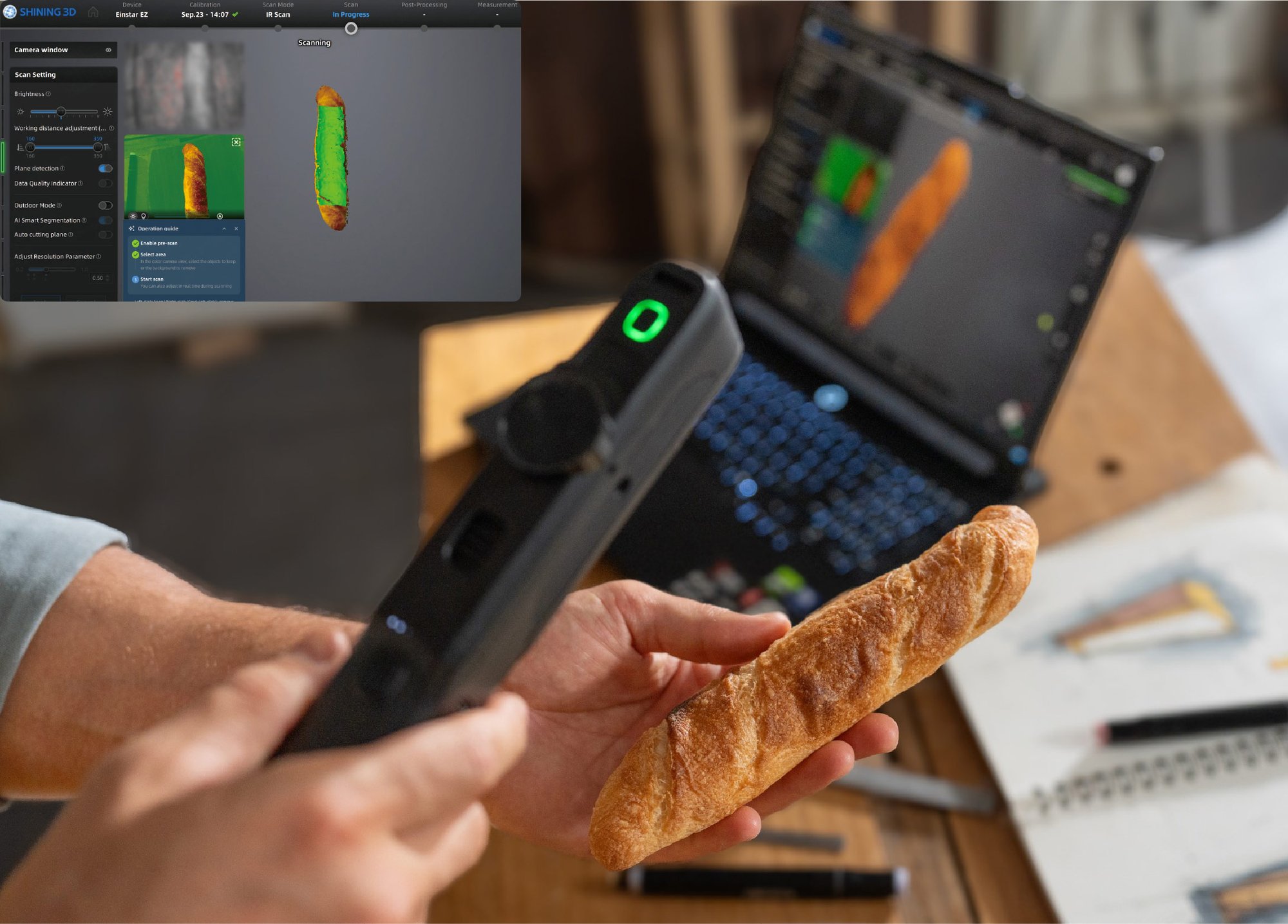
Real-Time AI Isolation From the Background

Real-Time Target Extraction From The Background
AI extracts objects from their surroundings while scanning. It automatically detects your target object’s outline or removes backgrounds. Reduce manual work and streamline post-processing.
AI Tracking Algorithm for Smoother Scanning

AI Tracking Algorithm for Smoother Scanning

AI tracking algorithm adaptively optimizes feature recognition, localization, and tracking strategies based on the object and real-time motion, helping you scan faster while reducing tracking loss, misalignment, and accumulated drift—for fewer interruptions, less rework, and an easier path to complete models, even for beginners.
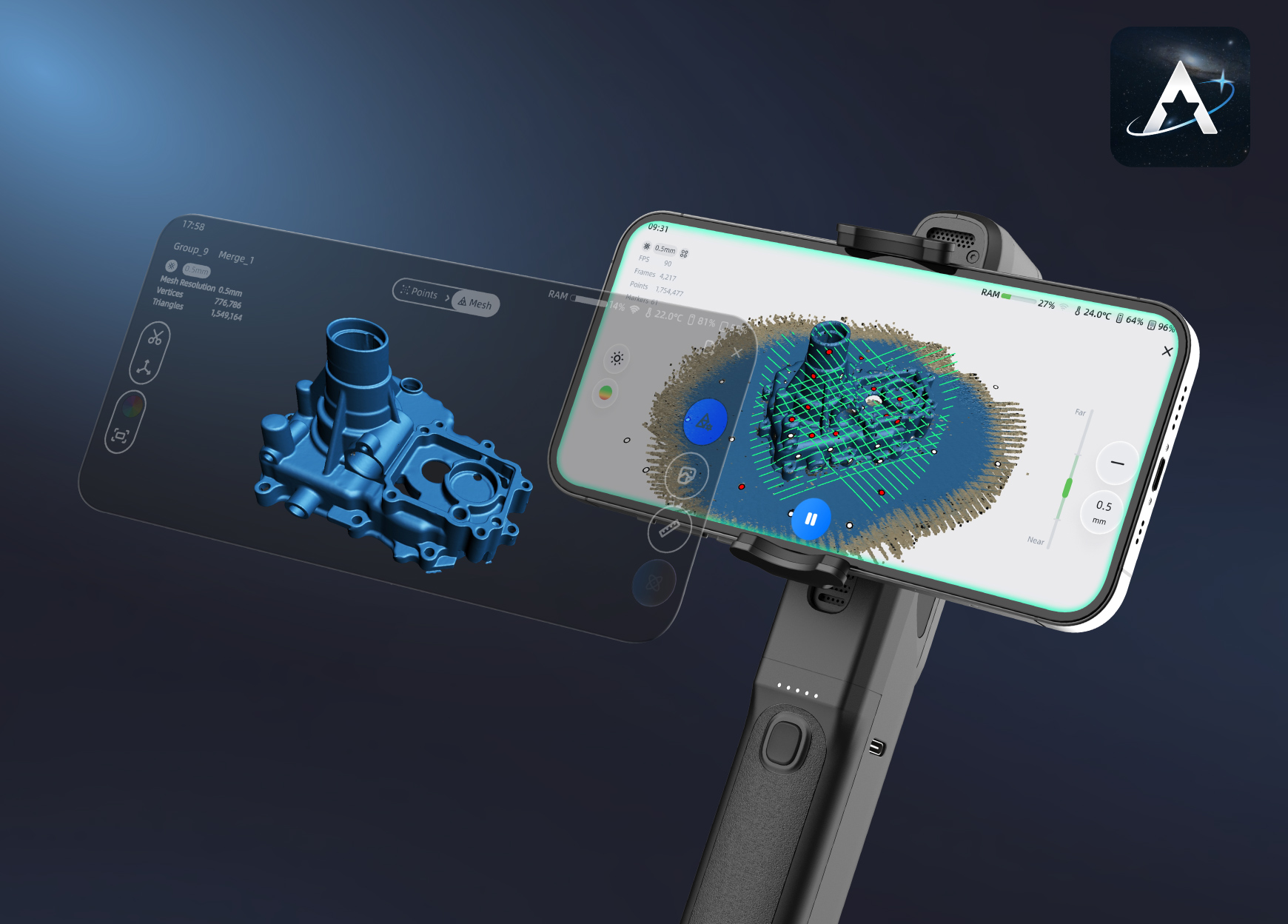
EXStar Mobile

Complete 3D Workflows on Your Phone

EXStar Mobile is the official app for EINSTAR Series 3D scanners. Pair your scanner with your phone for smooth, portable scanning with stable tracking—anytime, anywhere. Scan, process, and manage 3D projects directly on your phone, without a computer. Upload models to the cloud to build your personal 3D collection and share your creations with ease.
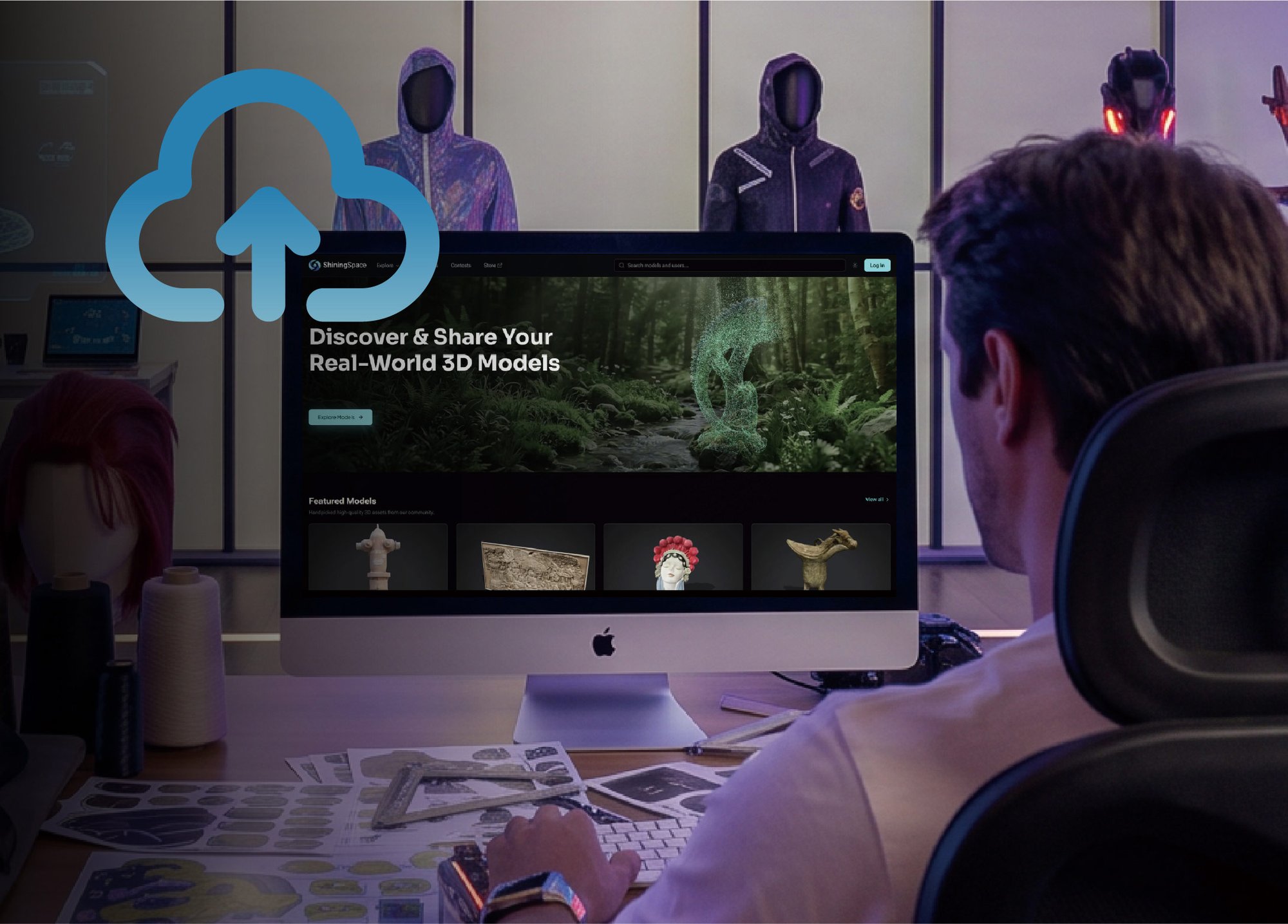
ShiningSpace

Scan. Store. Share.

Capture real-world objects in 3D, preserving their shape, size, and surface details. From cultural artifacts to family keepsakes and personal creations, turn what matters into lasting digital assets. With ShiningSpace, store, view, manage, and share them in one place.


EINSTAR EZ GO Specification

  • Scan Mode 15 + 15 Cossed Laser Lines
    1 Single Laser Line
    IR VCSEL
  • Light Source Laser HD
    IR Rapid
  • Resolution Laser HD: 0.05 ~ 10 mm
    IR Rapid: 0.2 ~ 10 mm
  • Scanning Speed Laser HD: 1,150,000 points/s
    IR Rapid: 6,550,000 points/s
  • Working Distance Laser HD: 160 ~ 550 mm
    IR Rapid: 160 ~ 800 mm
  • Max. FOV Laser HD: 450 × 500 mm
    IR Rapid: 610 x 660 mm
  • Alignment Mode Laser HD: Global Marker/Markers/Features/Hybrid | IR Rapid: Global Marker/Markers/Features/Texture/Hybrid
  • Output Formats STL; OBJ; PLY; 3MF; ASC
  • Laser Class Class 1
  • Outdoor Scanning Environment Up to 80,000 Lux
  • Dimension (H*D*W) EZ (Scanner): 126 x 30 x 37 mm
    GO (Grip): 204 × 33 × 44 mm
  • Net Weight EZ (Scanner): 125 g
    Go (Grip) : 163 g
 *For full specs please refer to the brochure. 

Our Expertise, Your Advantage

20

years experience

300

authorized patents

200

3D scanners sold worldwide

DC7ADC41-5A5F-49E7-A9A1-B1B113589138

Discover More about EINSTAR EZ GO

Unboxing & Connection

This video shows the EINSTAR EZ GO unboxing and setup with its supporting accessories. It covers accessory use and optional turntable pairing, with both wired and wireless connections supported for flexible 3D scanning.

Calibration

This video shows how to calibrate your EINSTAR EZ scanner. It covers calibration timing and step-by-step instructions, with both wired and wireless calibration supported for stable scanning.

Scanning Workflow

This video walks you through the complete EINSTAR EZ GO scanning workflow. It covers scan mode selection, parameter settings, data capture, mesh generation, and 3DGS processing—just follow the steps to complete the full scanning process.


Frequently Asked Questions

  • Why choose EINSTAR EZ GO?

    EINSTAR EZ GO is your AI-powered mobile 3D scan-to-create partner, capturing real-world objects as usable 3D data for measurement, preservation, design, and creation. With 15+15 crossed laser lines, a single laser line, and IR scanning, it balances efficiency and detail; both laser and IR modes support marker-free scanning for flexible applications. AI-powered features, 3D Gaussian Splatting (3DGS), cloud computing, and connected design workflows help turn physical objects into digital assets and creative projects.

  • How do I use the accessories included in the package, such as the tripod and phone mount?

    The GO handle grips and powers the EZ scanner. Attach the scanner to the GO, then hold the GO power button until the EZ indicator flashes blue. Connect to a mobile device or computer to scan. For smartphones, attach the magnetic phone mount to the GO’s magnetic ring and place your phone on it. For tripod use, mount the EZ scanner directly on the tripod. Power it via cable from a fast-charging power bank, then hold the EZ power button until the indicator flashes blue. Connect to a mobile device or computer to start scanning.

  • Can it scan in direct sunlight?

    EINSTAR EZ GO supports scanning in environments with ambient light levels of up to 80,000 lux in both Laser and IR modes. Its dedicated dual-channel optical filtering system supports blue laser and infrared scanning without requiring filter replacement, ensuring stable performance under strong lighting conditions.

  • What type of laser does EINSTAR EZ GO use?

    EINSTAR EZ GO uses a Class 1 laser with low emission intensity, making it relatively safe for the eyes. It is suitable for users of all ages, including children, and is ideal for educational environments.

  • What are the differences in model quality between Mesh and 3DGS?

    Mesh models focus on accurate geometric representation and are suitable for measurement, reverse engineering, and manufacturing workflows. 3DGS focuses on realistic visual representation, preserving natural colors, textures, and lighting effects for immersive viewing and digital presentation.

  • How do I use real-time target extraction

    Enable Real-time Target Extraction before entering Preview mode. In the texture camera window, left-click the object you want to scan. Other objects will be covered by a green mask to indicate that they are excluded from scanning. Click Start Scan to begin scanning the selected object. The feature also supports scanning handheld objects.

    Note: Real-time target extraction is currently available only in IR mode.